Skip the setup and start designing. Frames For Figma gives you a complete ACSS design system in Figma and a UI kit of ready-made sections that already use it.
Set a few values in the ACSS plugin for Figma, build pages from the kit's sections, and hand off to WordPress with the same colors, sizes and spacing.
One purchase: the UI kit file and a license key for the plugin, from €59 a year.
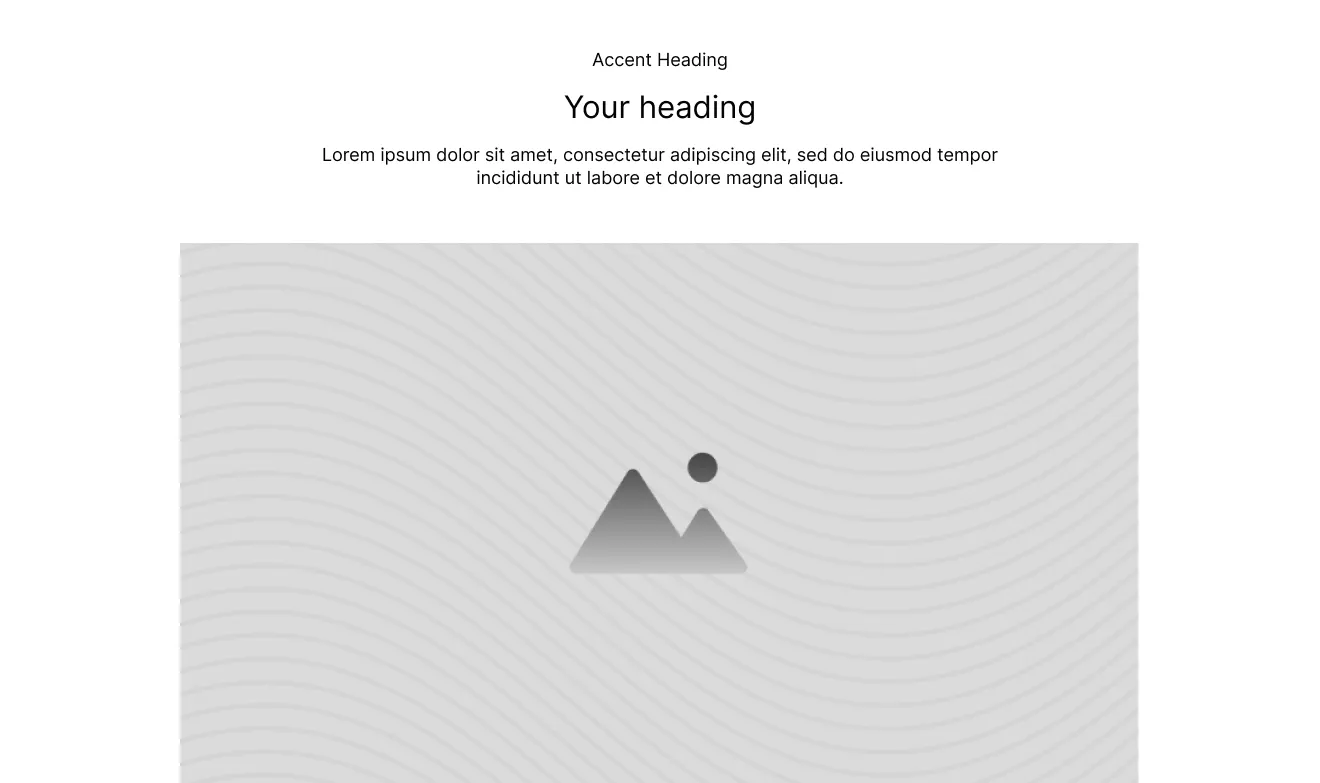
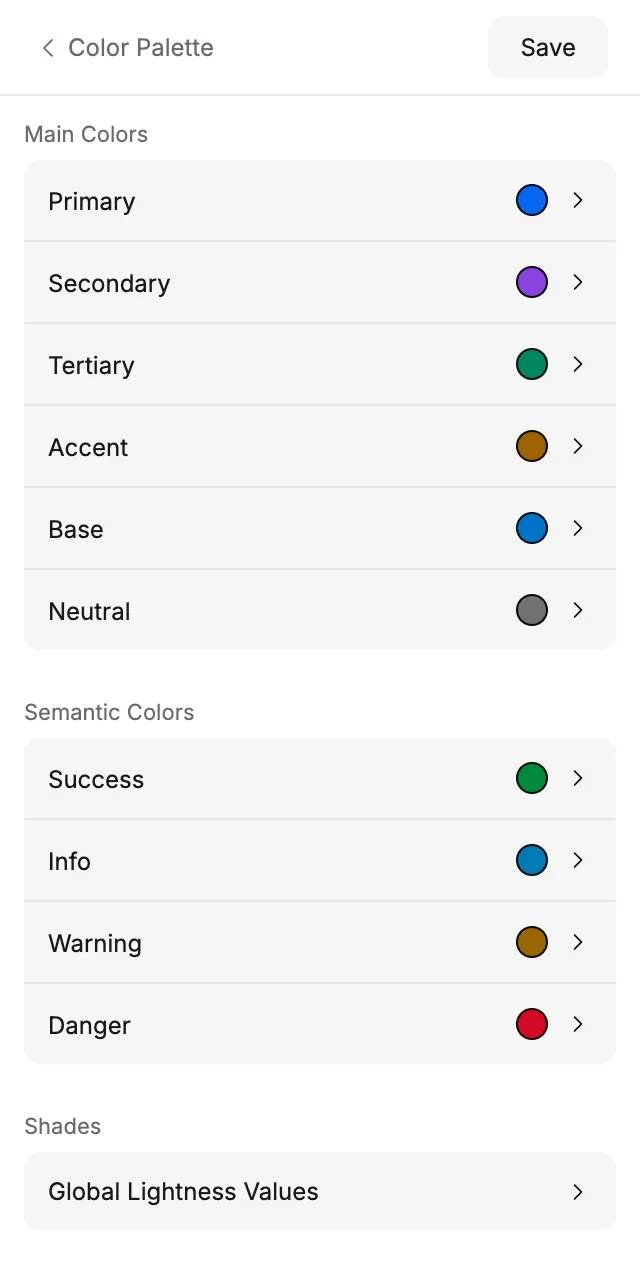
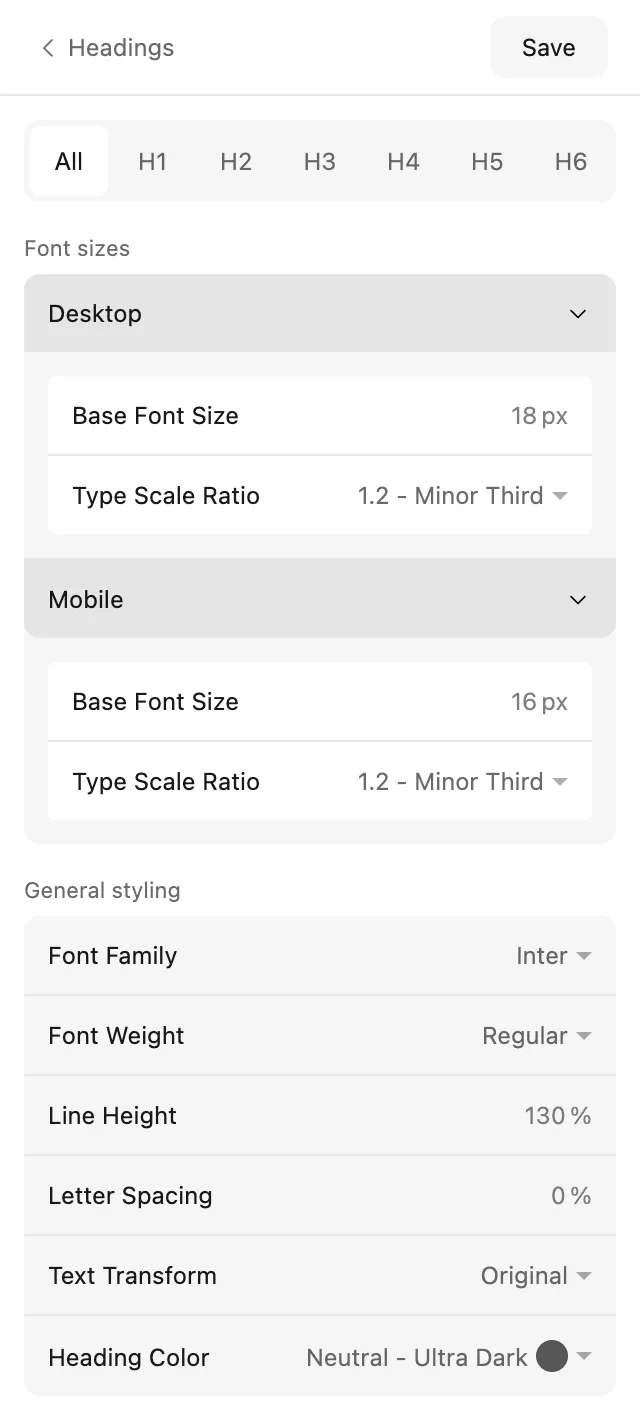
Plugin › Color Palette · Type=Hero Golf, Device=Desktop · Plugin › Typography
Change your mind once, not on every page. Change Primary in the plugin, click Save, and every component in the kit follows.
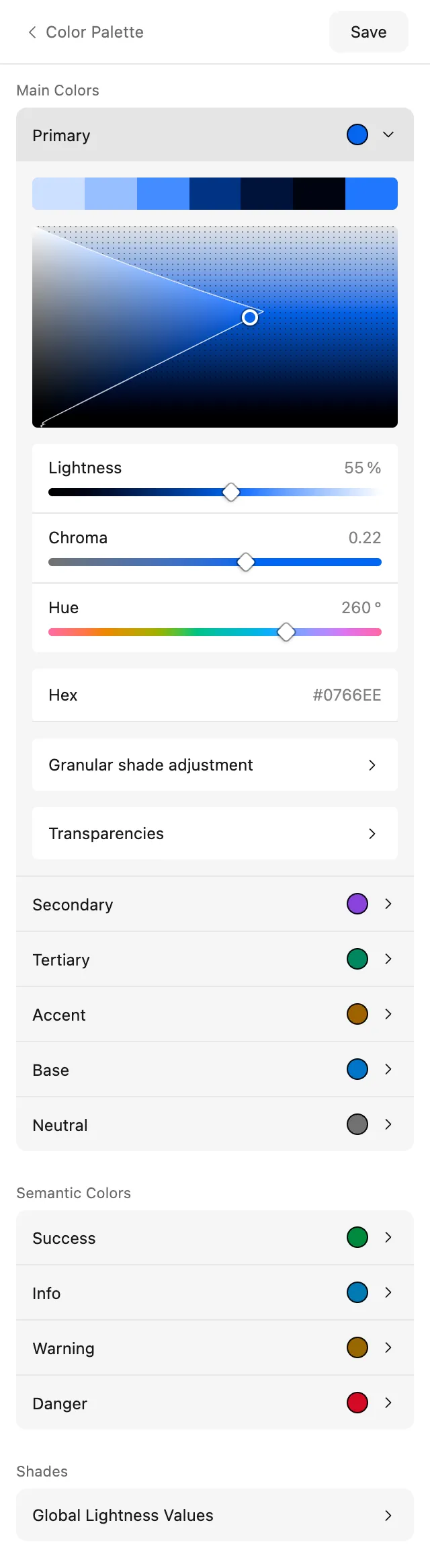
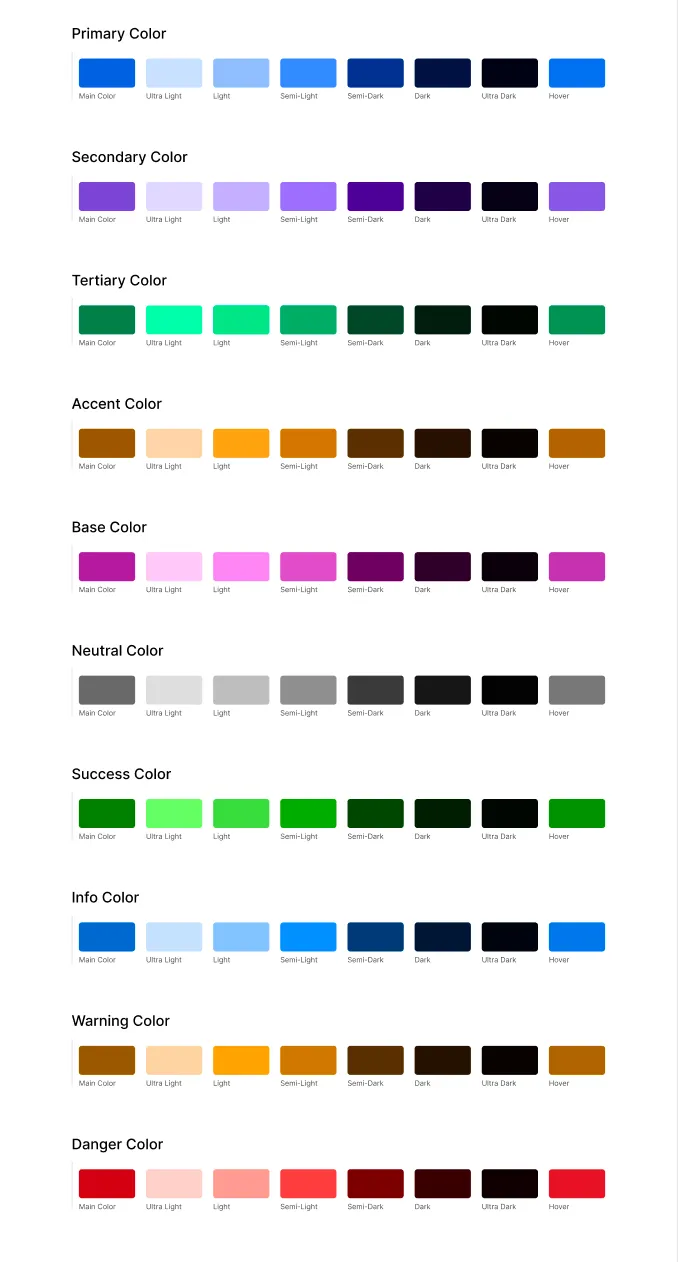
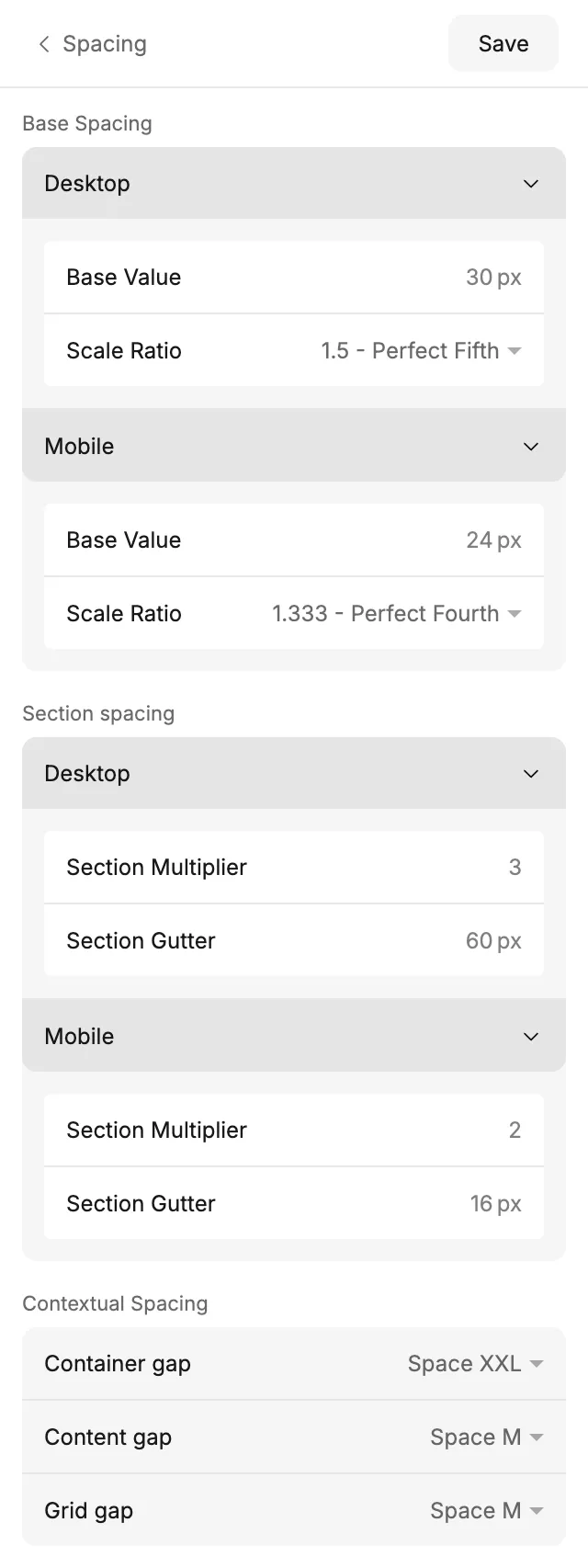
No more building variables by hand. Set a brand color, a base font size and a spacing size, and the plugin creates your colors, type, spacing, widths, borders, shadows, buttons and forms as Figma variables and styles.
A balanced palette from one color. Ten color families with eight shades each. Primary sets the tone: its lightness and vividness carry over to every family, so each one only needs a hue. Display P3 files get the wider range.
Transparencies when you need them. Add transparency variables to any family, for any shade, from 1 to 99 %.
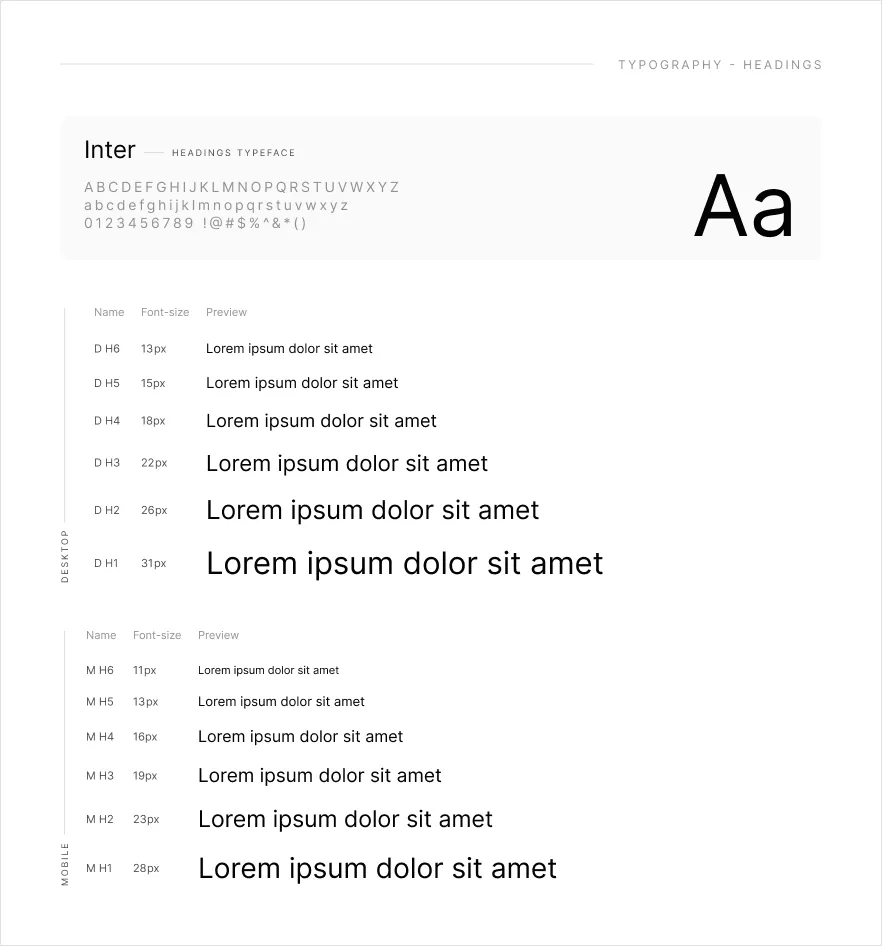
Type that scales on its own. Fonts, sizes and type scales for headings and body text, as text styles for desktop and mobile. Uses your font's own styles, italics included.
Consistent spacing everywhere. A spacing scale, section spacing and gutters, content widths and the Width 10–90 scale.
Safe to change your mind. Adjust a setting and click Save again. Layers that use the variables update, because the plugin updates its variables instead of replacing them.
The whole team sees the same settings. Settings live in the file, so everyone who opens it gets the same ones, and copies of a file keep their own.
Fewer questions at handoff. Most variables carry their ACSS code syntax, so Dev Mode shows var(--primary) and var(--space-m), exactly what the website uses.
Build pages from sections that already match. 46 template categories, from headers and heroes to pricing, FAQs and footers, each in Desktop and Mobile and already styled with your colors, type and spacing.
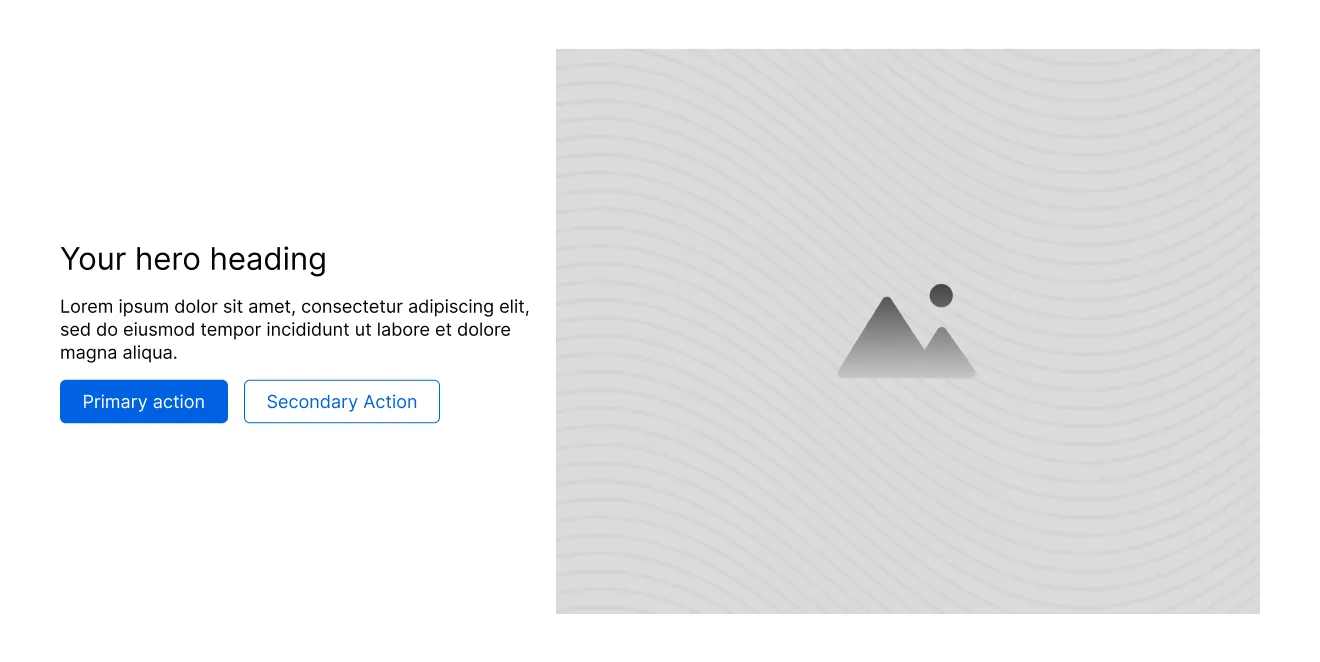
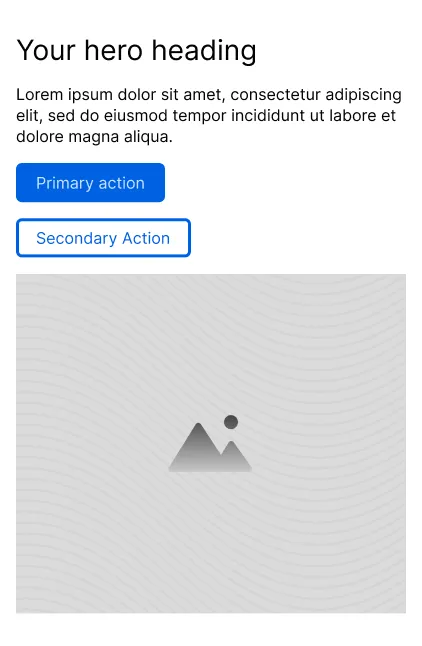
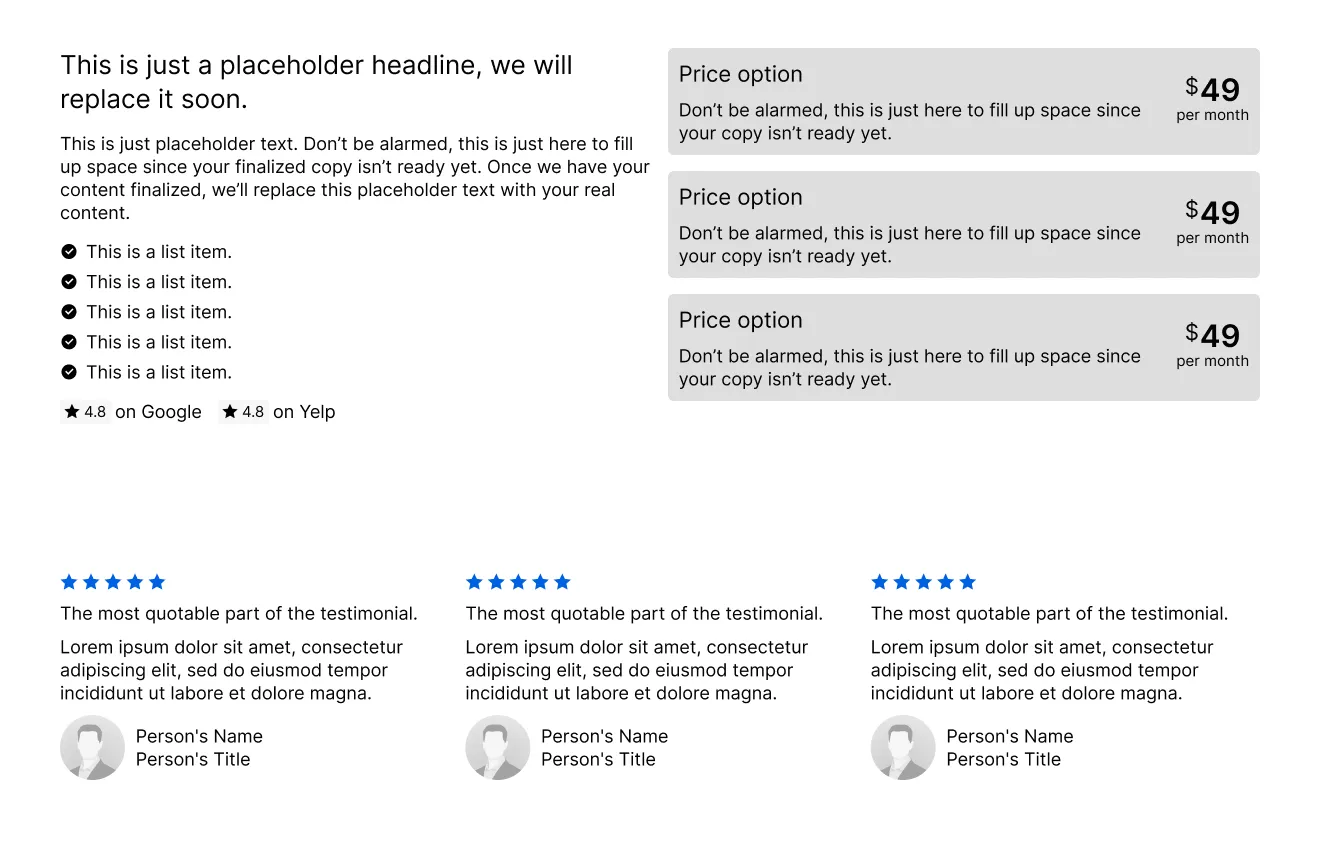
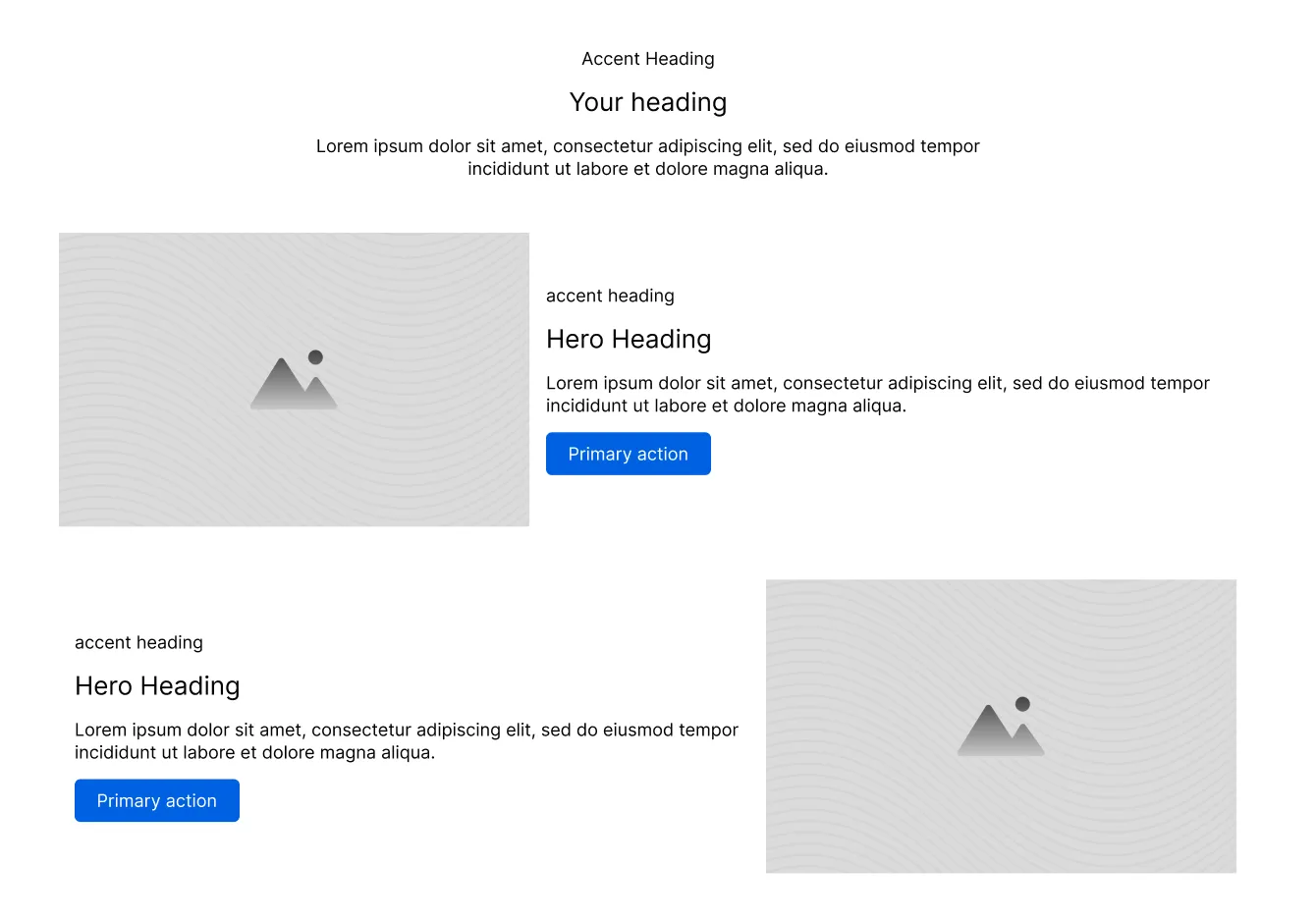
A wireframe in minutes. The Sitebuilder holds every section category in one component. Stack a few and you have a page.
A style guide that writes itself. Your colors, type, spacing, widths, shadows and corner radius at a glance. The pages update on every Save, ready to share with a client or a developer.
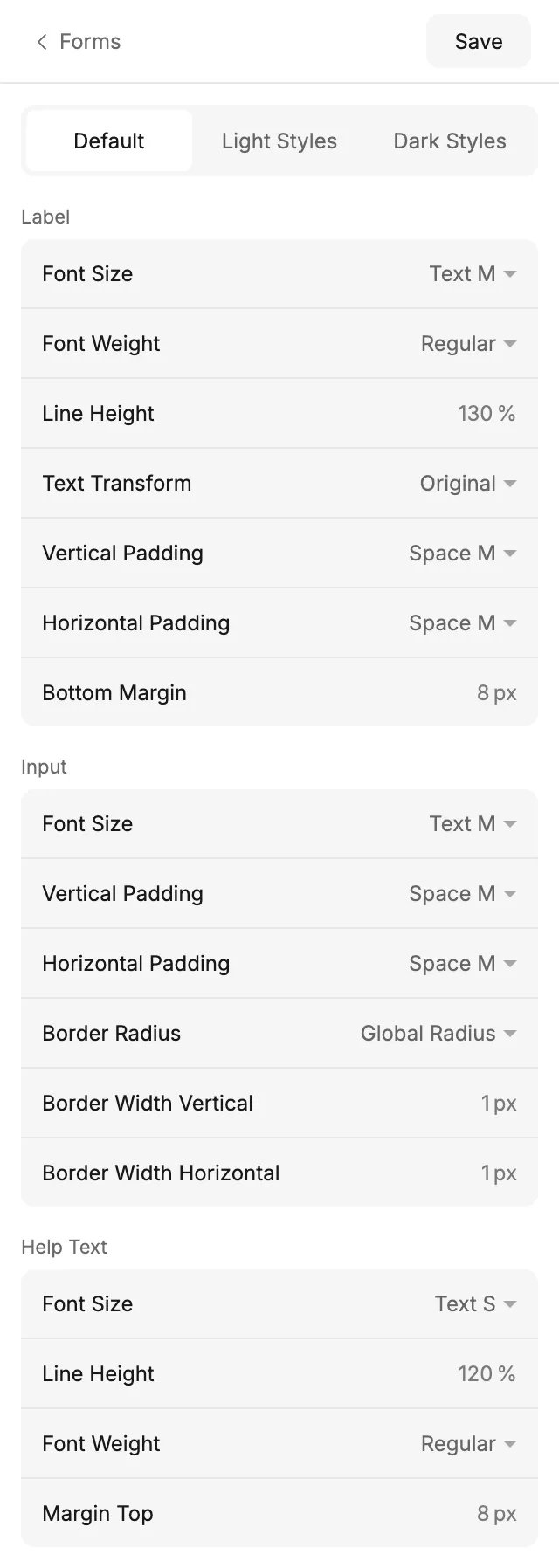
Forms without the fiddling. Labels, text inputs, dropdowns, checkboxes, radios, toggles and file uploads, in Light and Dark styles.
The small parts, done. Section, Button, Link, Accordion, Switch, Video, Tooltip and Aspect Ratio components.
Every icon you'll reach for. About 2,200 Remix Icon icons, 255 country flags and 6 credit card logos, all as components.
Your brand in every header and footer. Set your business details, logo and menu once, and the kit uses them everywhere.
Hand off without retyping a value. Export your settings to ACSS 4 in WordPress, and the website gets the same colors, sizes and spacing as your Figma file.
One set of names for designers and developers. Made for designers who hand off to developers, designers who build their own sites, and agencies working with ACSS. You don't need to know ACSS to start.
One purchase, both parts. The UI kit and a license key for the ACSS plugin for Figma, for unlimited projects, yours and your clients'.
Yearly
€59per year
A plugin license and updates for one year. Renew to keep the plugin running.
Available soonLifetime deal
€199one-time
Pay once. A lifetime plugin license and lifetime updates.
Available soonBoth include. The UI kit (.fig file), a license key for the plugin, unlimited projects, the Facebook group and the full documentation.
14 days to change your mind. Not happy? Ask for a refund within 14 days of buying at info@framesforfigma.com.
Checkout by Polar. Polar handles payment and VAT. Your license key and the download arrive by email.
Bought it before? If you have ACSS for Figma or the kit, you'll get an email with a personal claim code for a new license key. Upgrading
Questions, answered. The short versions are here. The docs have the long ones.
Do I need ACSS or WordPress? No. You can design with the kit and the plugin without them. You only need WordPress with ACSS 4 to export your settings to a website.
Do I need to know ACSS? No. The plugin's screens follow the ACSS settings, and the docs explain each idea the first time you need it.
Does it work in the browser? Yes. The plugin works in Figma design files, in the desktop app and in the browser. It doesn't run in FigJam, Figma Slides or Dev Mode.
Which Figma plan do I need? Any plan, including the free one. You need edit access to the file you work in, because the plugin creates variables and styles.
Can I use it for client work? Yes, in unlimited personal, commercial and client projects. You may not resell or give away the file, or use it in a competing UI kit or design system. License terms
Can I use it on more than one computer? Yes. Your activation is linked to your Figma account, so the same account on another computer doesn't use another activation.
What happens when a yearly license ends? The plugin asks for a valid key until you renew. The kit file stays yours, and the variables and styles you created are ordinary Figma variables and styles, so they stay in your files and keep working.
Can I get a refund? Yes. If you're not happy, ask for a refund within 14 days of buying at info@framesforfigma.com.
Never stuck for long. Read the docs, with a ten-minute quick start, or ask in the Facebook group.